
M3U File: 5 Easy Facts and How to Open It
An M3U file is a small text file: a list of links, not the video itself. Here are five easy facts, and how to open one.
Fact 1: What is an M3U file? A list, not a video
An M3U file holds only plain text, like a note. Each entry says where one song, video or stream is kept.
Think of an address book. It says where your friends live, but your friends are not inside it.
In the same way, an M3U file says where the video is. The video stays where it was.
Asking “what is a M3U”? In short: a list.
Fact 2: The M3U file format, line by line
What is M3U format made of? Plain lines of text. This tiny M3U file has one entry and three lines.
- #EXTM3U is the header. It comes first and marks an extended list, with name lines.
- #EXTINF:-1,Sample One is a name line. The name after the comma shows on screen. The number is how many seconds the entry runs. A live stream has no set end, so it often gets -1.
- http://example.com/one is an address line. It says where the entry is: on the web or on your device.
Every further entry adds one name line, then one address line.
M3U has no formal rule book. Wikipedia's page on M3U shows more kinds of lines.
Fact 3: It may reach you as a web link, not a file
A saved file
The M3U file sits on your device. Its name ends in .m3u or .m3u8.
or
A web link
The list sits on a server. Its address begins with http:// or https://.
Did your provider send your playlist as one long web link? Then that link is your list.
Fact 4: How to open an M3U file
To read it, open the file with a text editor. Many computers come with one. If another app opens it, pick the text editor yourself. Menus differ by computer.
To play it, you need a media player, such as GoTo Player. It plays your own M3U list from its web link, in three steps.
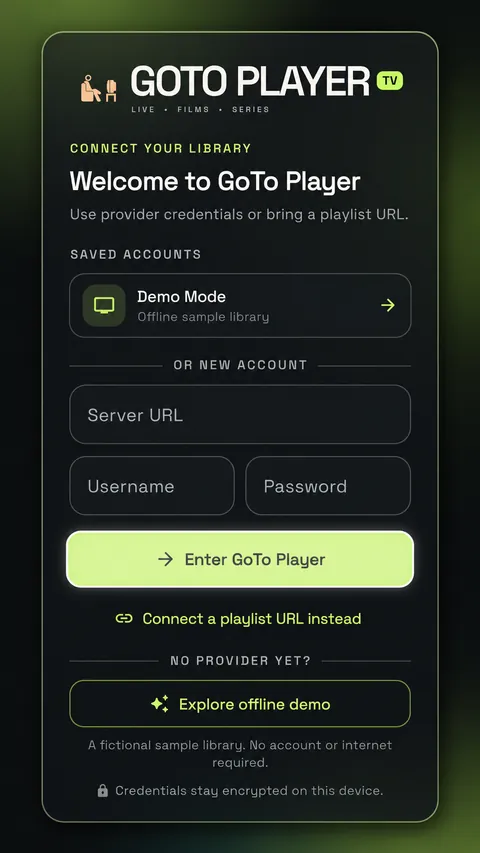
- Start GoTo Player. On first use, you reach its welcome screen.
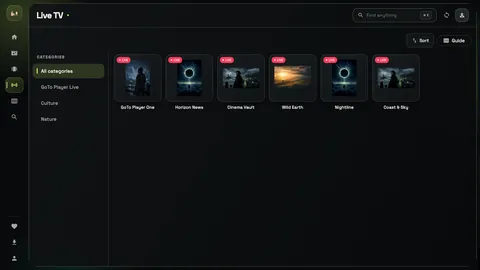
- There, choose Connect a playlist URL instead.
- Paste or type your link, then choose Connect. Plain M3U entries show up by name under Live TV.
GoTo Player takes a web link, not an M3U file saved on your device. Only have the file? Ask its sender for the web link.
Play your own M3U link on your TV
Free for 14 days on a TV. Type this code into the TV's Downloader app.
Downloader code
1129312
The newest Fire TV Sticks run Vega OS and cannot install apps from outside the Amazon Appstore. Check your TV.
Phone, tablet or PC? Find those steps on the download page.
Fact 5: What an M3U file cannot do
It holds no video. Copy the M3U file, and you copy only the list.
It cannot play by itself. A player has to read it.
It needs the internet when its lines are web addresses.
It cannot fix a broken address. If one stops working, that entry will not play.
So it takes two: your own list and a player.
Short M3U answers
What is M3U short for?
It is short for MP3 URL. The format began with music files, around 1996. Today it lists video too.
My file ends in .m3u8. Is that something else?
No. It is the same kind of file: M3U lines. Its letters are stored as UTF-8.
Is there an M3U file inside GoTo Player?
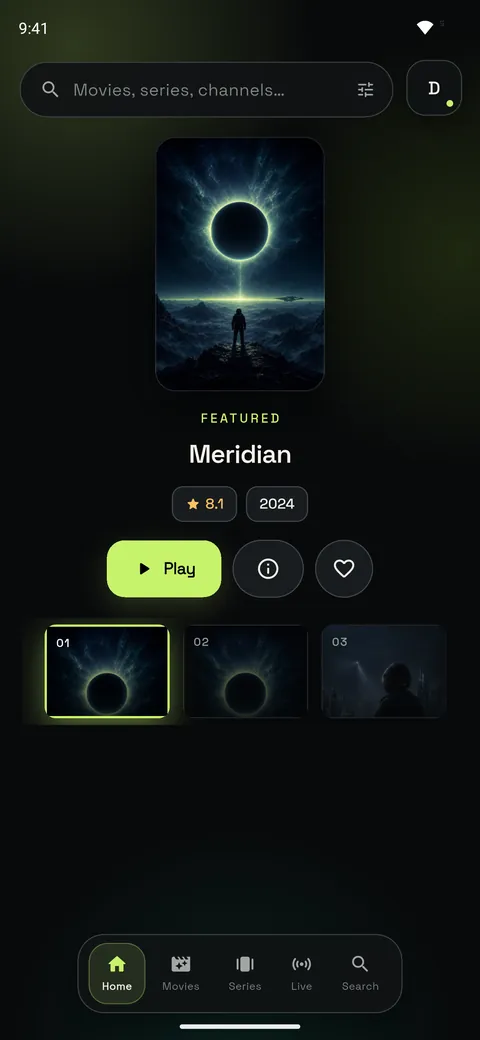
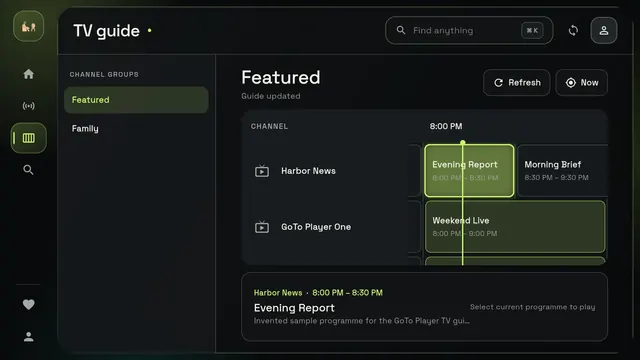
No. The app has no list of its own. You add yours.