
Xtream Codes Player: 3 Easy Things to Know First
GoTo Player is an Xtream Codes player for your TV, phone and PC. It is free for 14 days on TV, Android, iPhone and iPad. Here are three easy things to know before you start.
Thing 1: Xtream Codes is a login from your provider
Xtream Codes is a kind of login. It comes in three parts. One is the server URL. The other two are your username and your password.
Your provider gives you all three. The login is not ours: GoTo Player is a player only.
An Xtream Codes player is the app you type this login into. It shows the live TV, movies and series that are in it.
- Server URL
- Username
- Password
Thing 2: This Xtream Codes player runs on TV, phone and PC
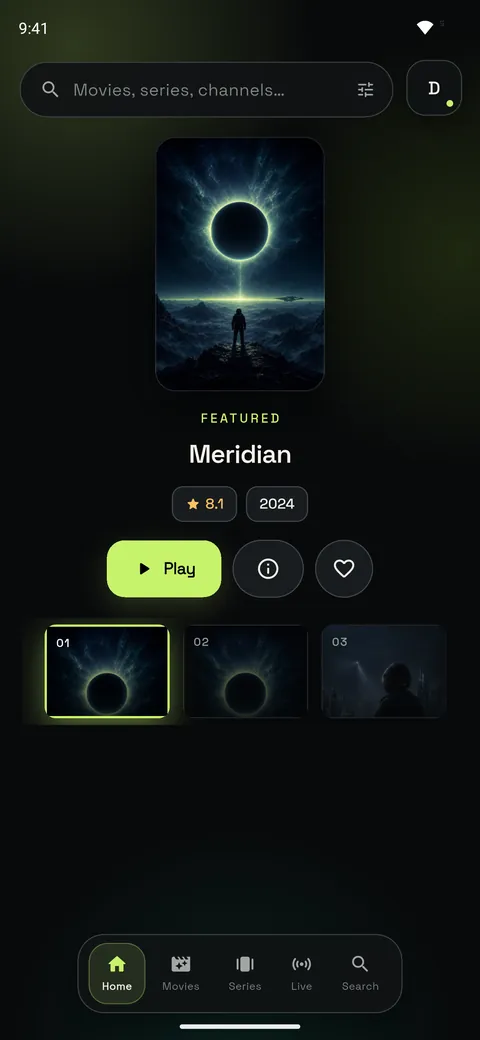
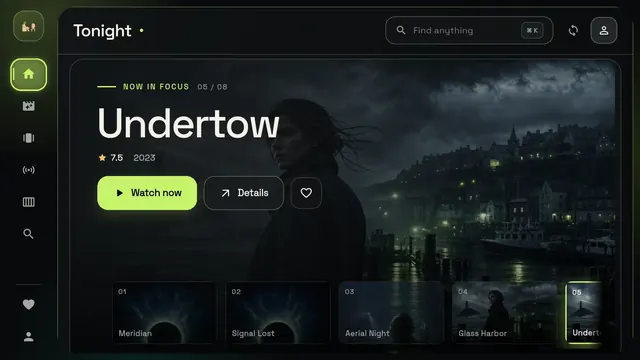
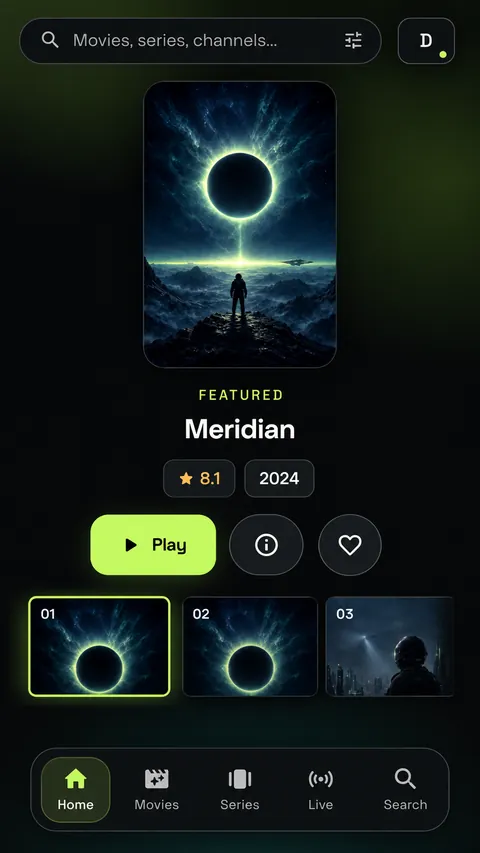
TV. Fire TV with Fire OS, Android TV, Google TV and Android TV boxes. Use the code below. Not sure about your TV? Check it in one tap.
Android phone or tablet. Get the app on the download page.
iPhone and iPad. Get the app from the App Store. Not yet in the App Store in EU countries.
Windows 10 and 11. Get the app from the Microsoft Store.
Put this Xtream Codes player on your TV
On your TV, open the Downloader app and type this code. Free for 14 days on your TV.
Downloader code
1129312
Thing 3: The login goes on the welcome screen
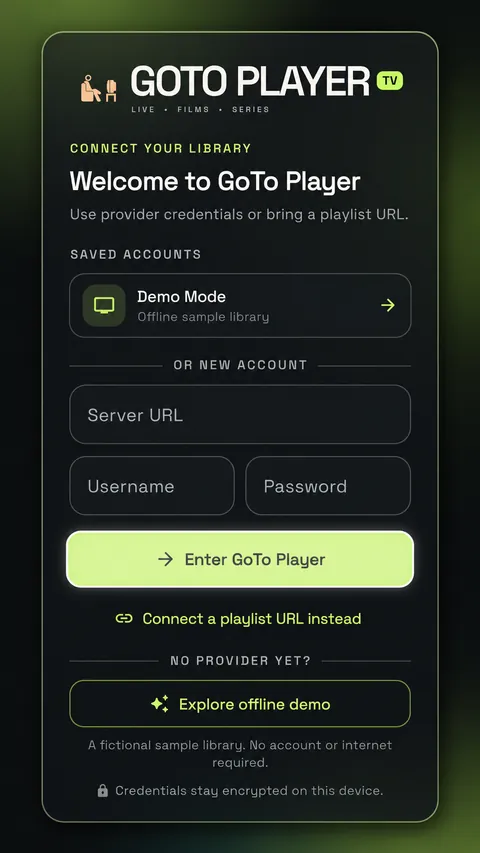
- Open GoTo Player for the first time. You see the welcome screen.
- Fill in the three boxes: Server URL, Username and Password.
- Choose Enter GoTo Player. Then you can watch your Live TV, Movies and Series.
On a TV you can skip the typing. Scan the Set up with your phone QR code on the TV. Or give your provider the MAC and KEY, two codes shown on the TV. They tell your provider which TV is yours. Then your provider can add the login for you.
Your logins are stored encrypted on your device.
If the login fails
An Xtream Codes player can only open a login that works. Check these three things.
- The server URL. Check it letter by letter, with http:// or https:// and the port.
- The username and password. Look for a typing mistake in each one.
- Your subscription. It must still be active with your provider.
All three right, and still no luck? Ask your provider. More answers are on our Support page.
Quick questions
Link or login: which one goes into the app?
Use what you got from your provider. GoTo Player opens a login and a link alike. An M3U link is your playlist as one web link. A link has its own button on the welcome screen: Connect a playlist URL instead.
Our M3U guide for Windows shows the steps.
Does this Xtream Codes player come with a login?
No. GoTo Player is a player only. There are no channels, movies, series or subscriptions inside. Your login comes from your provider.
I have no login yet. Can I still look around?
Yes. On the welcome screen, look for Explore offline demo. It shows the app with sample titles, and you need no account.